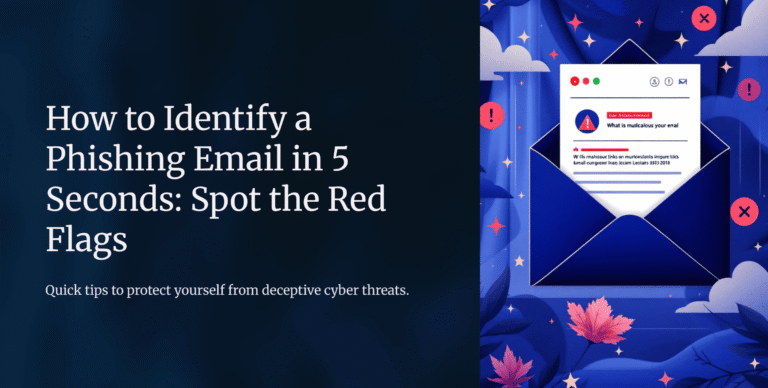
Phishing attacks are one of the most common cyber threats today. Hackers use them to trick people into revealing sensitive information like passwords, credit card details, or personal data. Students, professionals, and even businesses fall victim daily. But the good news is, you can learn how to spot a phishing email in less than 5 seconds.
1. Check the Sender’s Email Address
At first glance, phishing emails may look legitimate. However, the sender’s address often gives them away. For instance, instead of support@paypal.com, you may see something like support@paypall123.com.
👉 Quick Tip: Always hover over the sender’s name to see the full email address. If it looks suspicious, delete it immediately.
2. Look for Urgent or Fear-Inducing Language
Phishers rely on urgency to pressure you into acting quickly. Subject lines like “Your account will be locked in 24 hours!” or “Immediate action required” are red flags.
👉 Remember: Legitimate companies rarely use threats or urgency in emails. For reference, Google’s Safety Center provides great examples of how to recognize suspicious communication.
3. Inspect Links Before Clicking
Phishing emails almost always contain malicious links. These links may look safe, but once you hover your mouse, the true URL is revealed.
👉 Example:
Use tools like VirusTotal to check if a URL is safe before visiting.
4. Spot Poor Grammar and Spelling Mistakes
Although some phishing emails look professional, many still contain spelling errors, awkward phrasing, or grammatical mistakes. For example:
“Dear customer, your account are suspnded, click here to fix.”
👉 Transitioning from doubt to action, always trust your instincts: if an email looks off, it probably is.
5. Attachments You Didn’t Expect
If you receive an email with an unexpected attachment, be cautious. Hackers often disguise malware as PDF, Word, or Excel files.
👉 Never download attachments unless you are 100% sure of the sender’s identity.
Final Thoughts
In conclusion, phishing emails are designed to manipulate your trust and trick you into acting quickly. By checking the sender’s email, avoiding urgent requests, verifying links, spotting errors, and avoiding suspicious attachments, you can stay safe online.
Cybersecurity awareness is your best defense.